Pause one automation
On the post's page or in Automations, tap Pause. The automation goes straight back to shadow mode: it stops sending messages and replying to comments.
To bring it back, tap Activate again. Comments made while it was paused don't get a DM later.
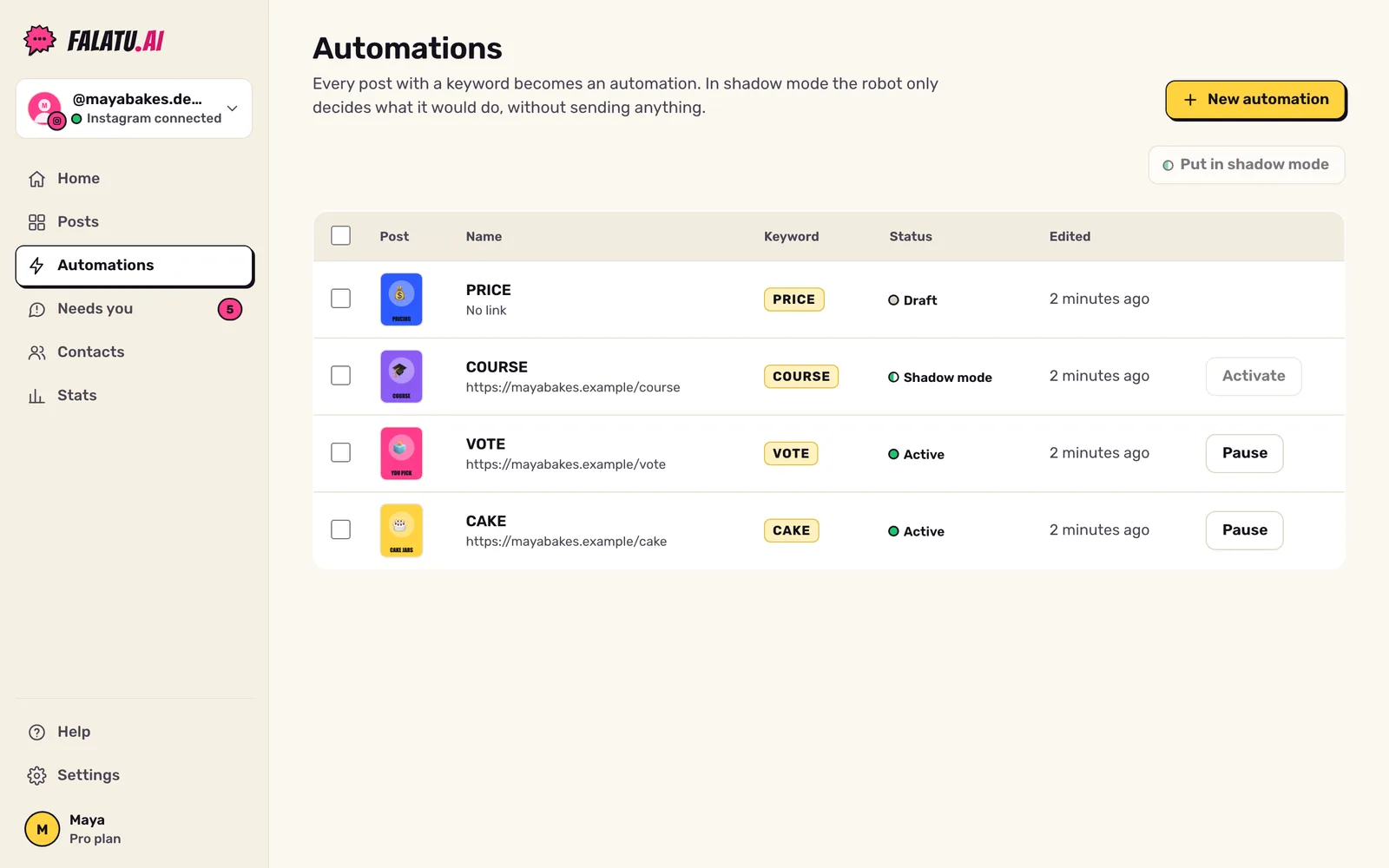
Pause them all at once
In Automations, tick Select all and tap Put in shadow mode. That's your off switch: no automation sends anything until you activate them again, one by one.
What shadow mode is
In shadow mode the robot decides what it would do with each comment, but sends nothing. On the post's page, each comment gets a grey line like "falatu would: send the DM with the link". It's a safe way to watch the automation work before switching it on.
Pause the robot for one person
In Needs you, Pause robot 24h makes falatu ignore that person for 24 hours, in every automation. Replying to someone from there pauses the robot for them automatically, so you can chat without interruptions.
Switch off for good
Settings → Accounts → Disconnect removes the Instagram account from falatu and deletes its contacts and conversations. Only use it if you really want out.