falatu talks to Instagram through Instagram's own official login. Tap Connect Instagram, confirm on Instagram and you're done: no Facebook page needed, and you never hand your password to anyone.
First: it has to be a professional account
Instagram only opens comments and DMs to apps on professional accounts (Business or Creator). If yours is still personal, switch it in the Instagram app:
- Open your profile and tap the menu (☰).
- Go to Account type and tools → Switch to professional account.
- Pick Creator or Business. Both work.
It's free and you can switch back later. Your posts and followers stay exactly the same.
Connecting
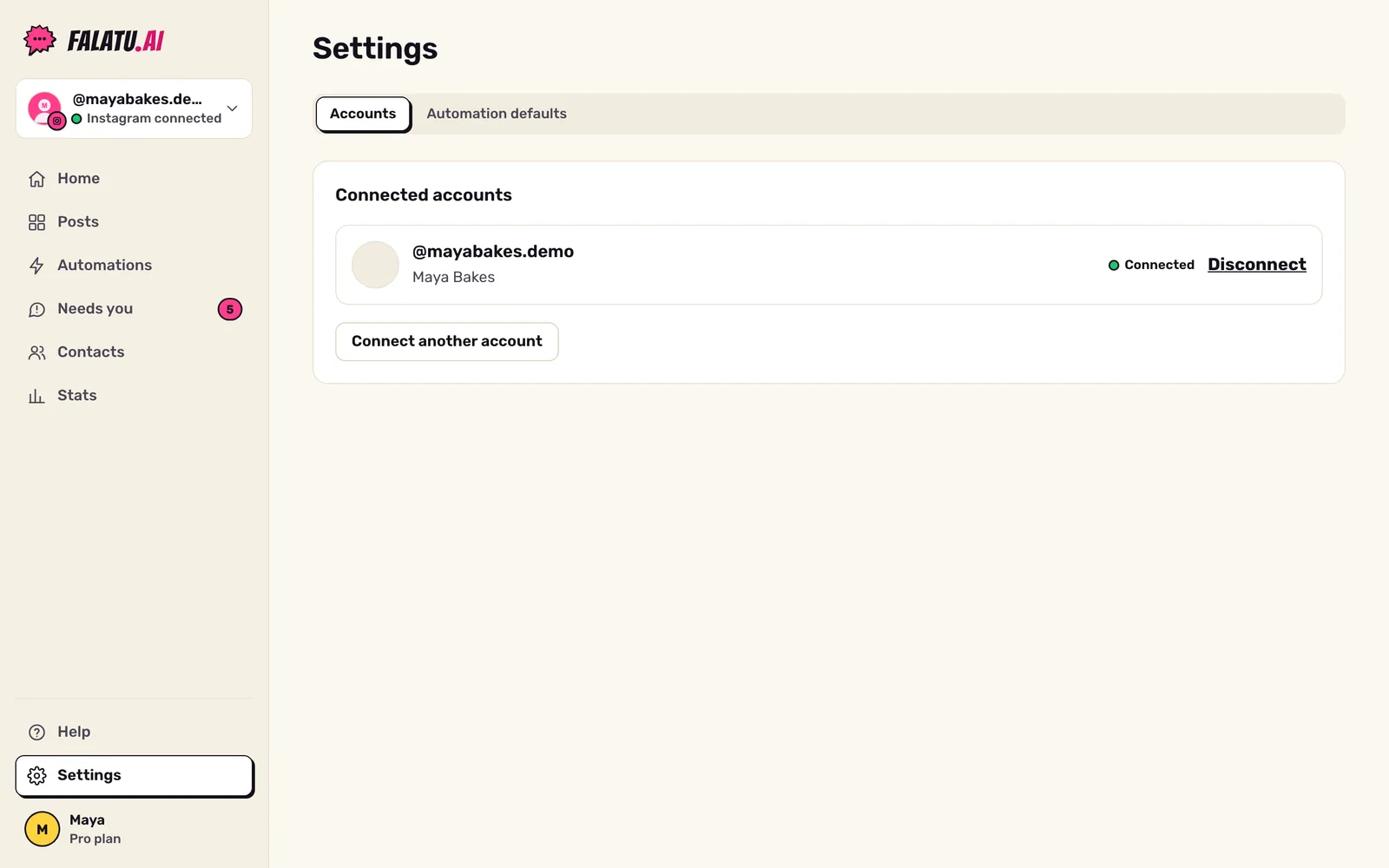
- In the falatu app, tap Connect Instagram (it's on Home; later, under Settings → Accounts).
- Instagram opens and asks if you allow falatu. Check you're on the right account and tap Allow.
- You land back in the app with the message "Instagram connected! falatu can now see your comments and DMs."
Within a minute, your posts show up in Posts.
What we ask for, and why
| Instagram permission | What for |
|---|---|
| Basic profile info | Showing your handle and photo, and reading your posts and captions to find the keyword. |
| Manage comments | Reading the comments on your posts and replying publicly. |
| Manage messages | Sending the DM with the link and getting the person's answer (the button tap, the "YES"). |
falatu doesn't post anything to your feed, doesn't follow or unfollow anyone and doesn't touch your captions.
Turn on message access
For DMs to work, Instagram wants one more switch. In the Instagram app: Settings → Messages and story replies → Message controls → Connected tools → Allow access to messages. Turn it on.
One Instagram account, one falatu account
Each Instagram account can only be linked to one falatu account. If you see "That Instagram account is already connected to another falatu account.", log in with the other account or get in touch at hello@falatu.ai.
Disconnecting
Go to Settings → Accounts → Disconnect. falatu stops replying right away and deletes that account's contacts, conversations and automations. Only the owner of the falatu account can disconnect.