The surest way to see your automation working is to walk the path of someone who comments.
Comment from another account
falatu doesn't reply to comments from the connected account itself (that would be you replying to yourself). Use a second account: your personal one, a teammate's or a friend's.
- Open the post with the Active automation.
- Comment just the keyword, for example
guide. Upper or lower case, accents or not, doesn't matter. - Wait a few seconds.
You should see:
- a short public reply to your comment ("in your dm 🙌" or similar);
- a DM on the other account. With "Ask to follow" on, it asks for a tap on the ✅ Me manda button before sending the link. See What people get.
Follow along in the app
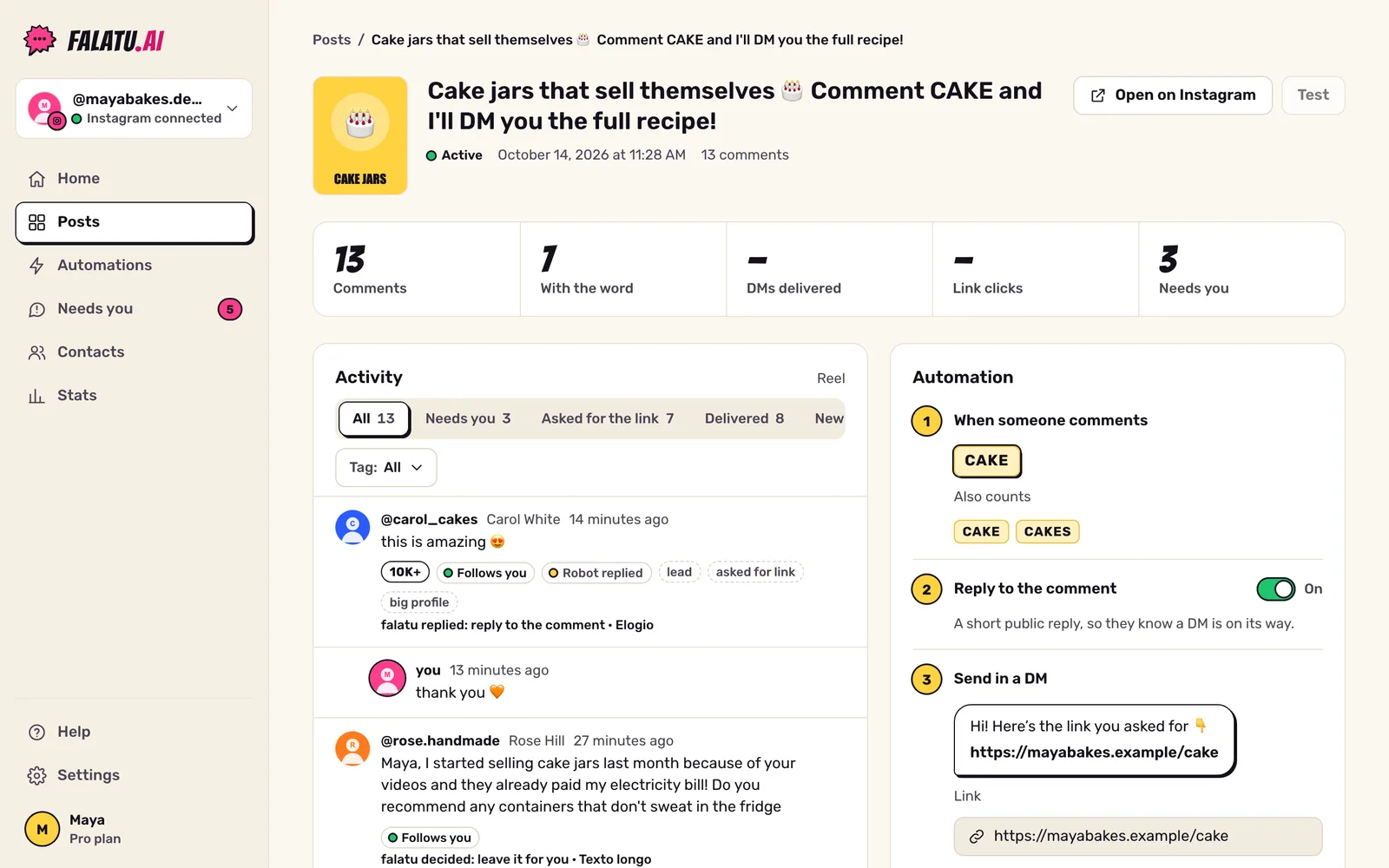
On the post's page, the Activity tab shows every comment and what falatu did with it: replied, asked for the tap, delivered the link or left it for you.
Testing again
Each person gets one DM per automation. If you comment again from the same account, you only get a public reply ("already sent 📩"). To repeat the test, use another account or turn on "Send again if the same person comments again" in the editor (and turn it off afterwards).
Didn't arrive?
See Common problems.