You need three things: Instagram connected, a post asking people to comment a word, and the link they'll get.
1. Put the word in the caption
falatu reads the caption looking for a request to comment. It spots the word when it's in capitals or in quotes, right after a verb like comment, type or write:
Comment GUIDE and I'll send you the linkType "cinema" belowComenta GUIAorEscribe RECETAwork too.
"Comment below" with no word that stands out won't become a suggestion. In that case, create the automation by hand (step 3 is the same).
2. Open the suggested post
Within a minute of posting, the post shows up in Posts with the Suggested badge and the word it found.
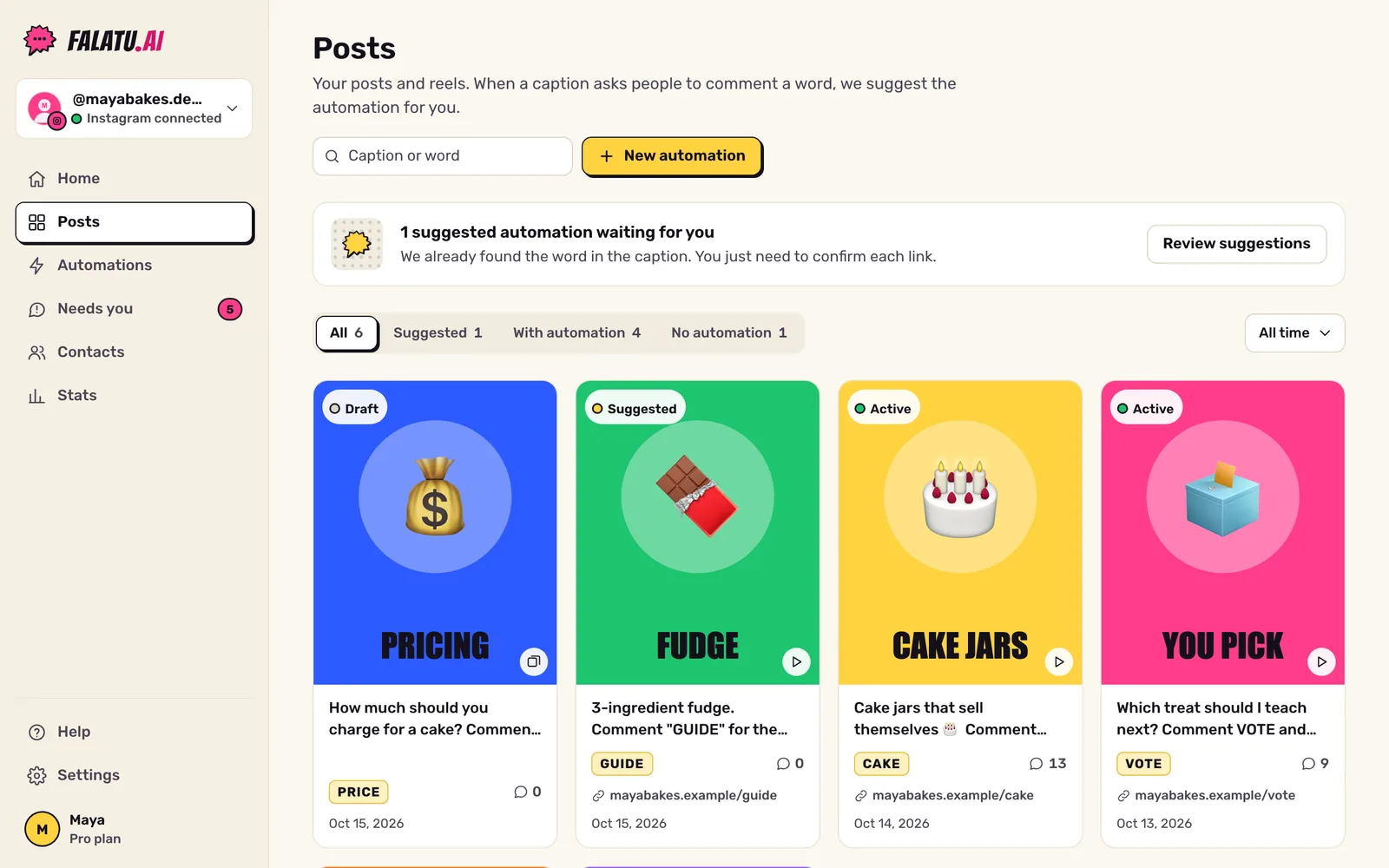
Tap the post. On the right is the suggested automation: the keyword, close ways of spelling it ("Also counts") and the link, if we found one.
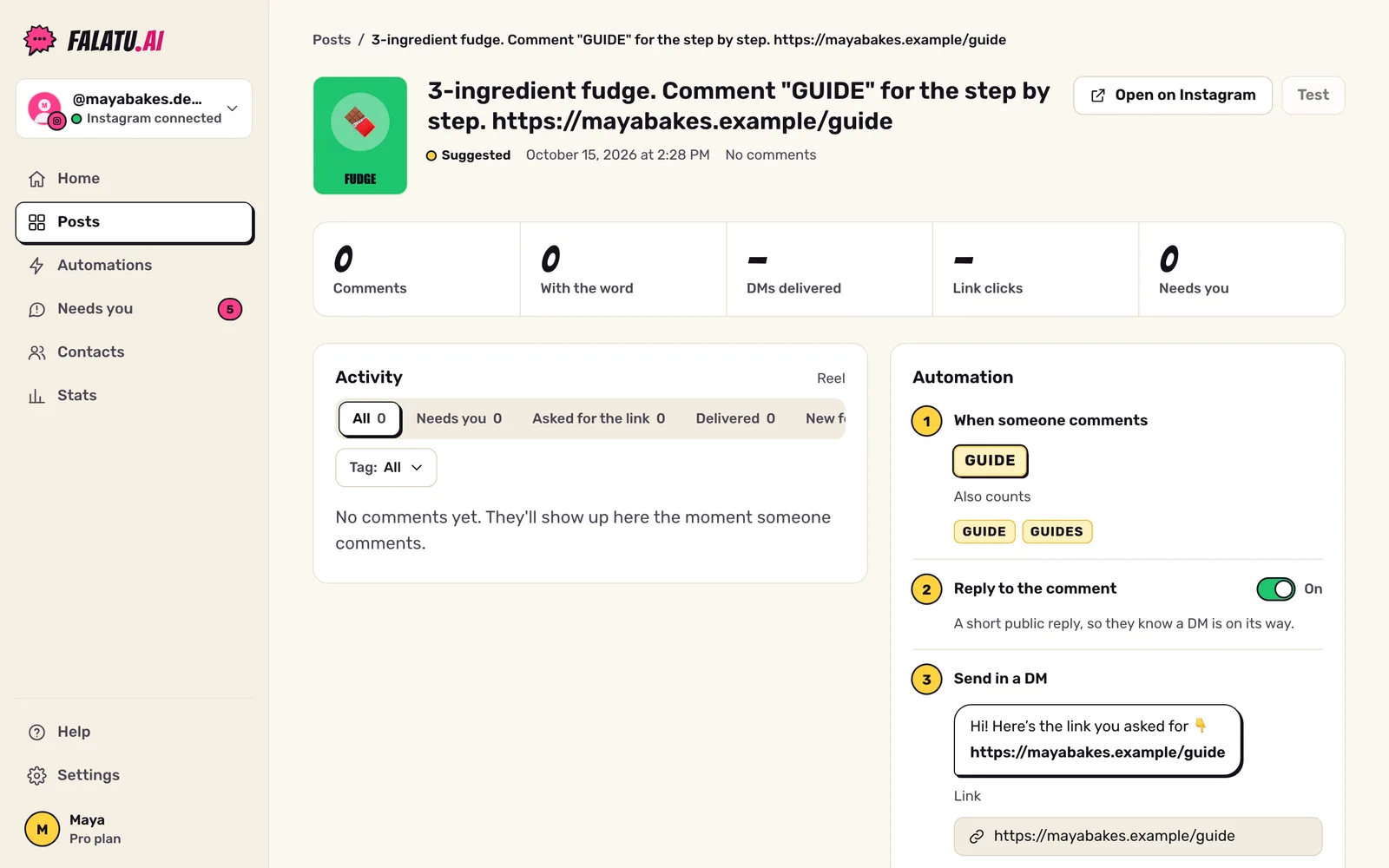
3. Check it and paste the link
Tap Review. In the editor:
- When: check the keyword. The variants (plural, no accents, verb forms like ACHA/ACHEI in Portuguese) come ready; remove any that don't make sense.
- DM: paste the Link (it starts with https://). No link, nothing gets delivered.
- Ask to follow: leave it on the account default (Soft) or pick another option. See Soft vs Strict.
- Tap Save.
4. Turn it on
Back on the post, tap Activate and confirm. From that moment on, falatu replies to new comments on that post. Comments from before you activated don't get a DM.
Only the account owner or an admin can activate.
Done. Now what?
Test it with your own comment from another account and watch the DM arrive.