Instead of opening the app and clicking, you can ask your AI assistant: "create an automation on my latest reel with this link", "pause the NICHO one", "who asked for the link this week?". It does it for you in falatu.
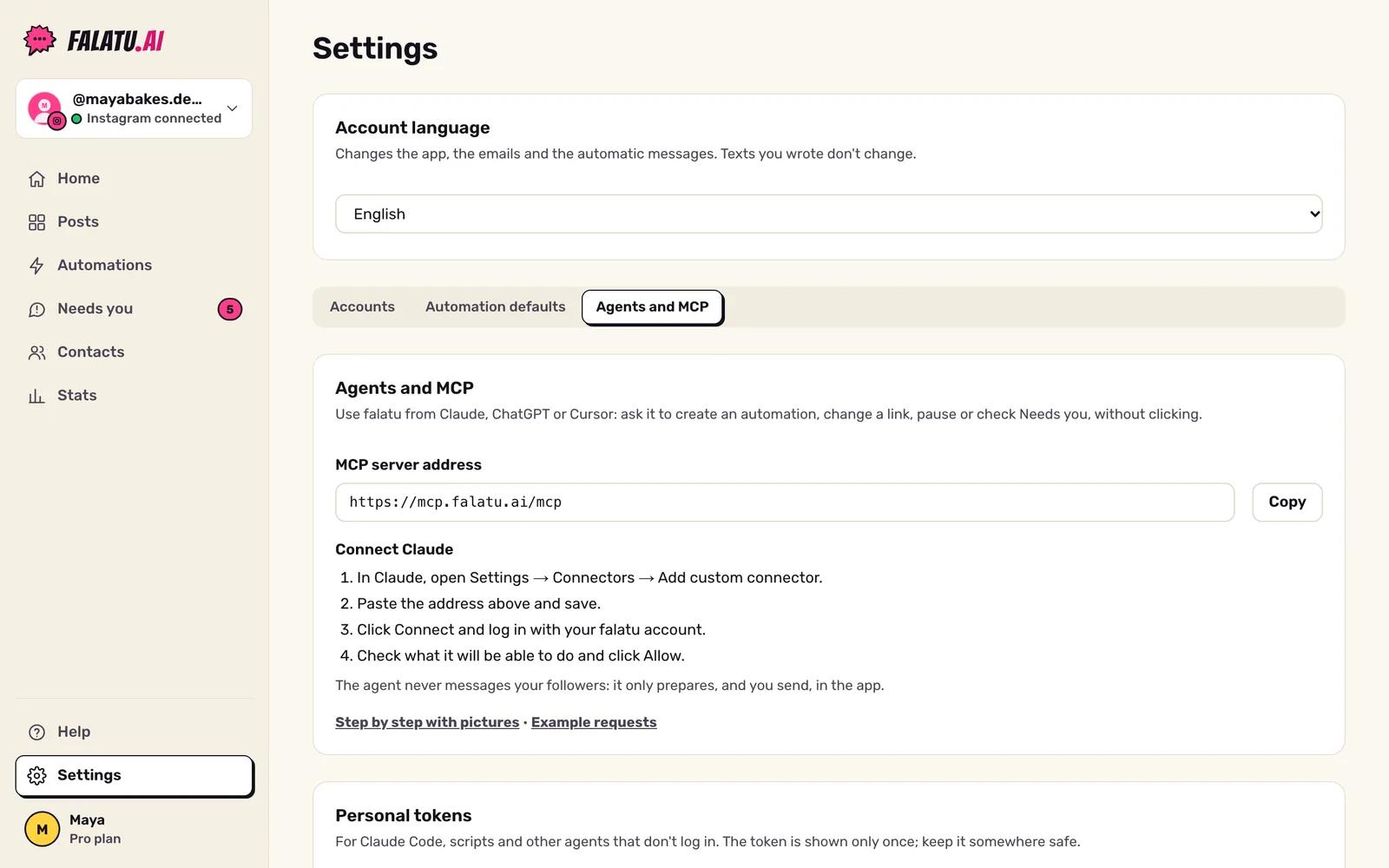
This works through MCP (Model Context Protocol), a standard way to connect apps to assistants like Claude. falatu has an MCP server at this address:
https://mcp.falatu.ai/mcpYou connect once, log in with your falatu account, and you're set.
What the agent can do
See:
- your posts and reels, with the keyword falatu found in the caption;
- your automations, the numbers for each one (comments, links delivered, new followers, failures) and the Poll ranking;
- Needs you and what happened on each post;
- this help center.
Change (if you allow it and you're an owner or admin of the account):
- create and edit automations, change the link;
- turn automations on and pause them;
- suggest a reply for a Needs you item and mark it as done.
An automation created by the agent starts in shadow mode: falatu decides what it would do but sends nothing. It only starts sending when someone activates it, and the agent is told to ask you before activating.
What it never does
It also never deletes anything, touches your plan, switches sending on or off for the account, or sees other accounts. The full list is in the Tool reference.
How to connect
- Claude (website and desktop app): Connect Claude. Just paste the address and log in.
- Claude Code, scripts and other agents: personal token.
- ChatGPT and Cursor: coming soon.
It all lives in Settings → Agents and MCP: the address, your tokens, connected apps and agent activity.
Need ideas? See the example requests.